
Lottery sales app for Shopify
YUINAR
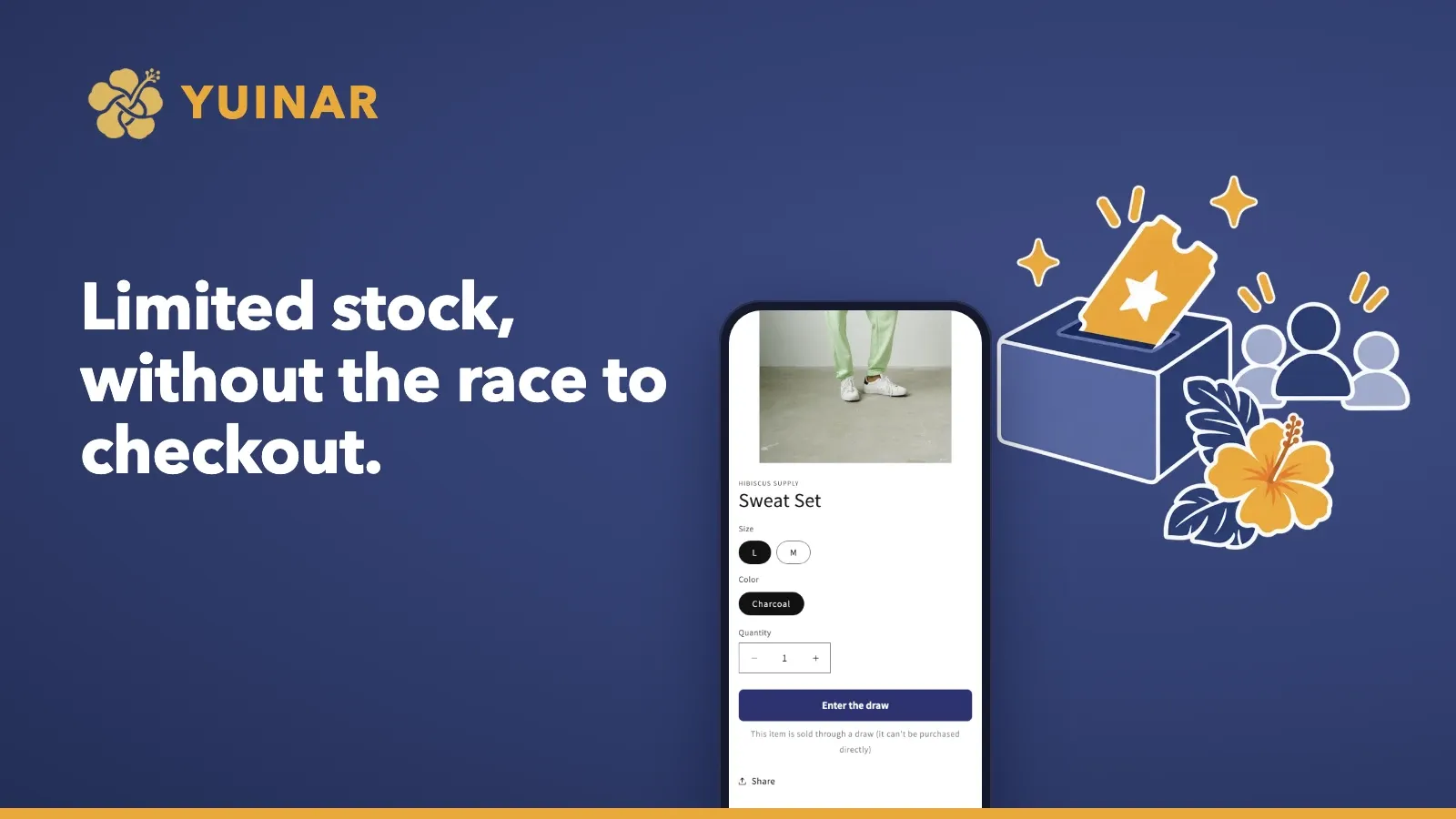
Limited stock, without the race to checkout. YUINAR lets Shopify merchants run the whole flow — entries, the draw, and purchase links that only winners can use — from the store admin.
View on the Shopify App StoreDeveloped by WALOVER LLC, Okinawa, Japan
Built for these problems
Traffic spikes the moment a drop goes live
Entries are accepted over an entry period and then drawn, so customers don't have to race for the first seconds.
Scalpers buy up stock before real fans can
Winners get a purchase link by email that only they can use.
Running draws with forms and manual emails is exhausting
From entries to win and lose notifications, everything runs from your store admin.
Who it's for
Stores whose products have more fans than stock: handmade tableware, glass and crafts, limited-run sweets, food and drinks, collaboration or limited apparel, garage-brand outdoor gear, and more.

Features
Purchase links only winners can use
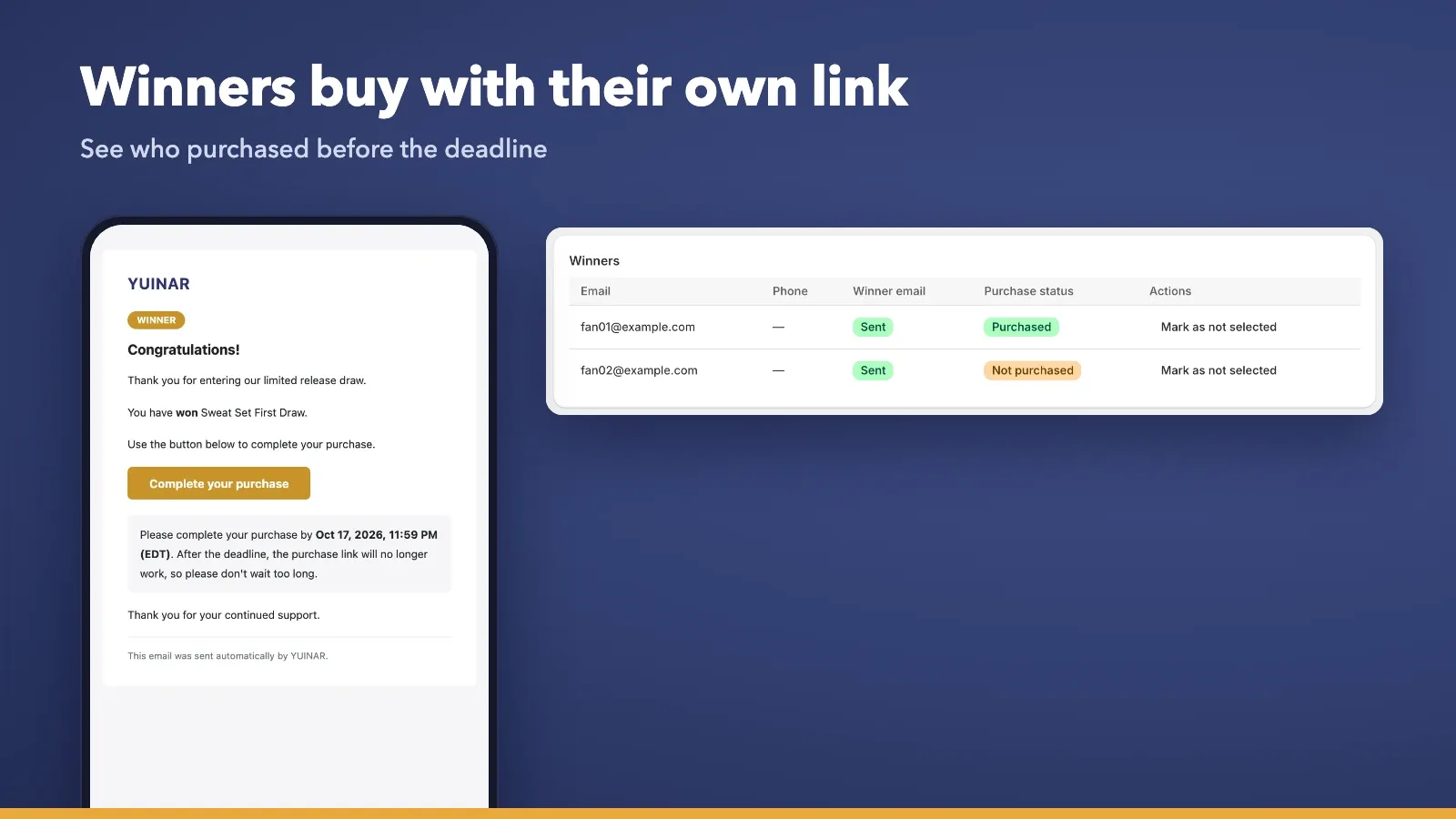
Winners automatically receive a dedicated purchase link by email, which helps prevent scalping. Winners who haven't purchased get a reminder 24 hours before the deadline.
Member-rank weighted draws
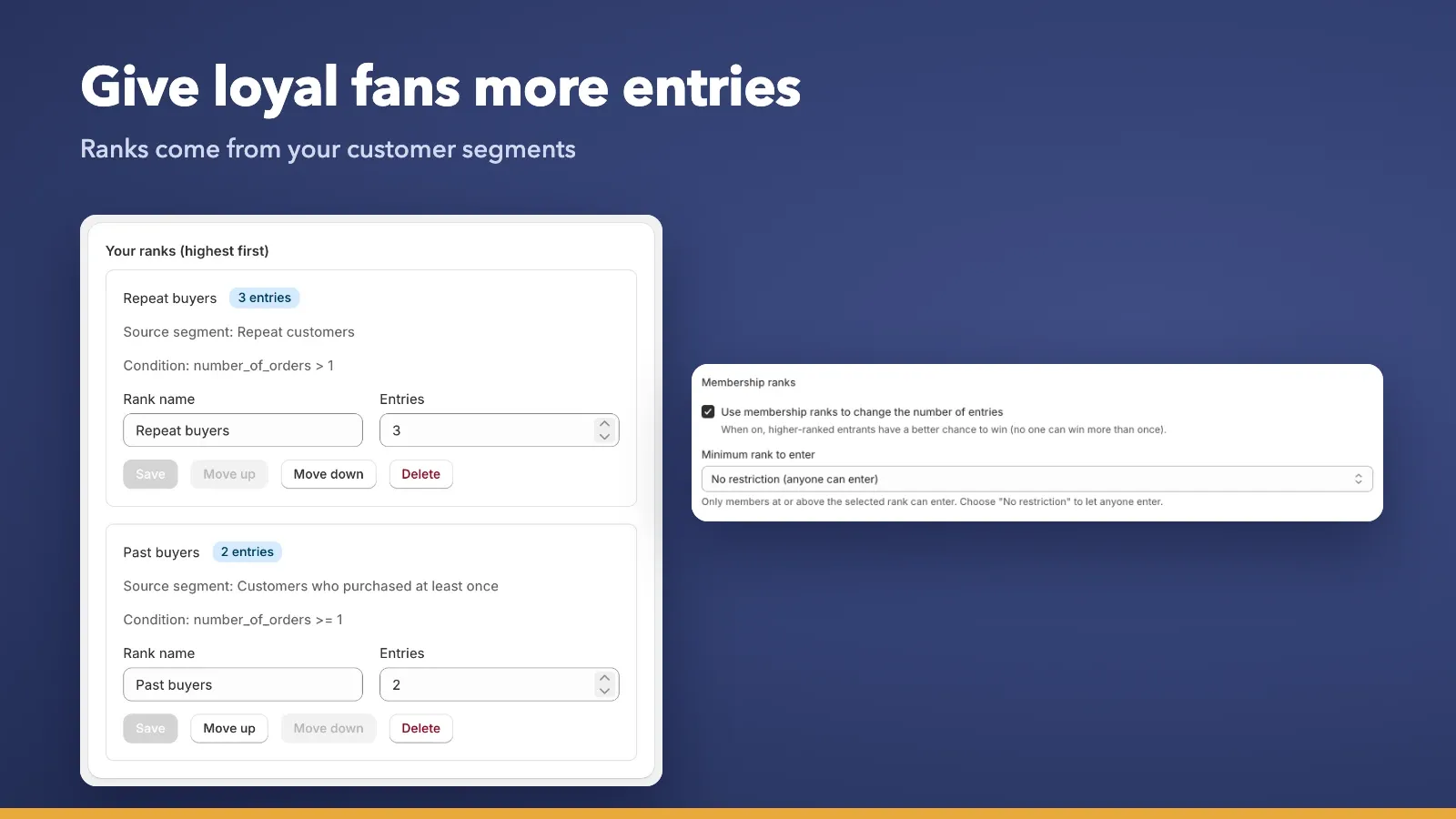
Register Shopify customer segments as member ranks. Give higher ranks more entries to raise their chances of winning, or limit who can enter.
Two ways to enter
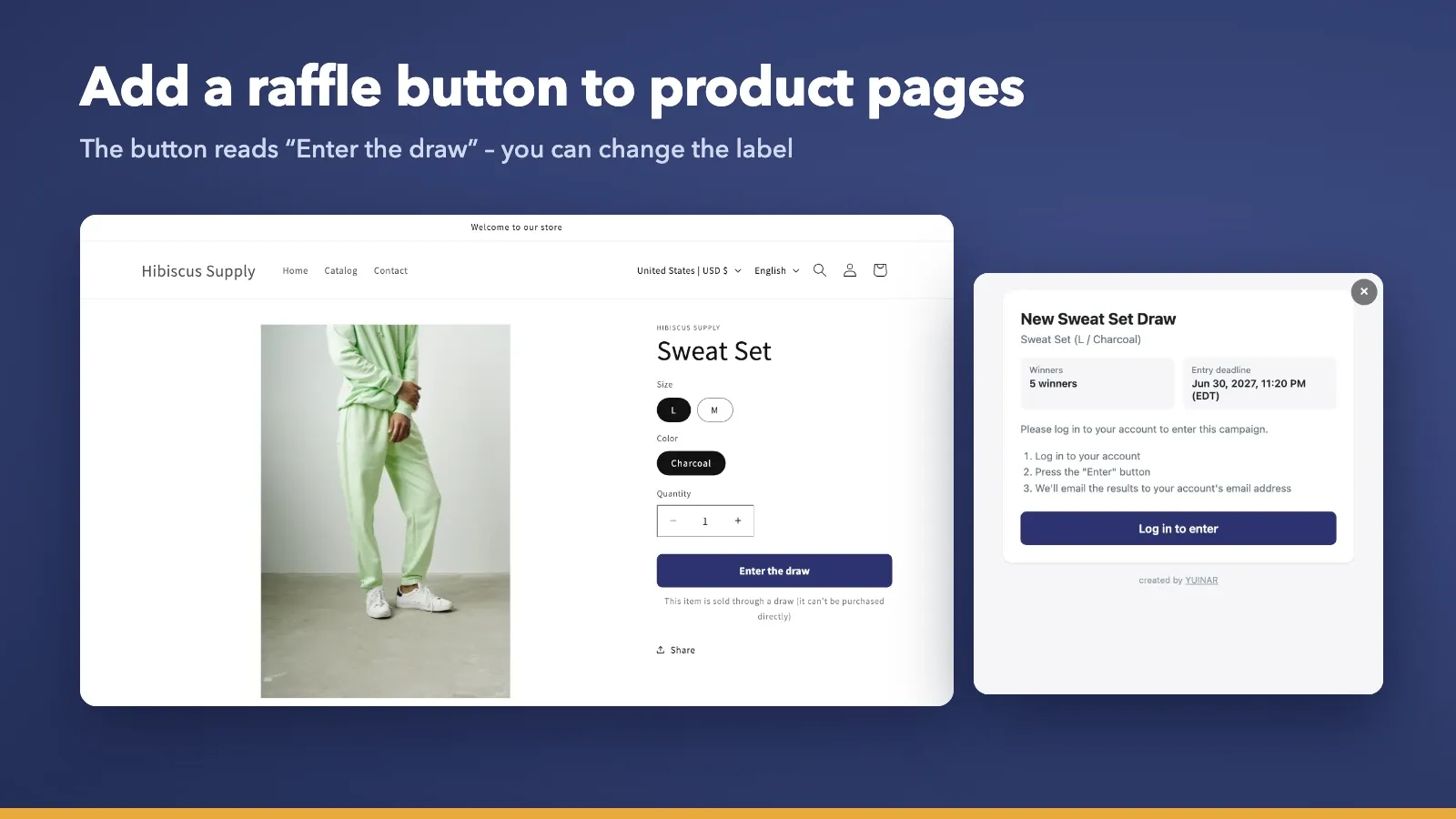
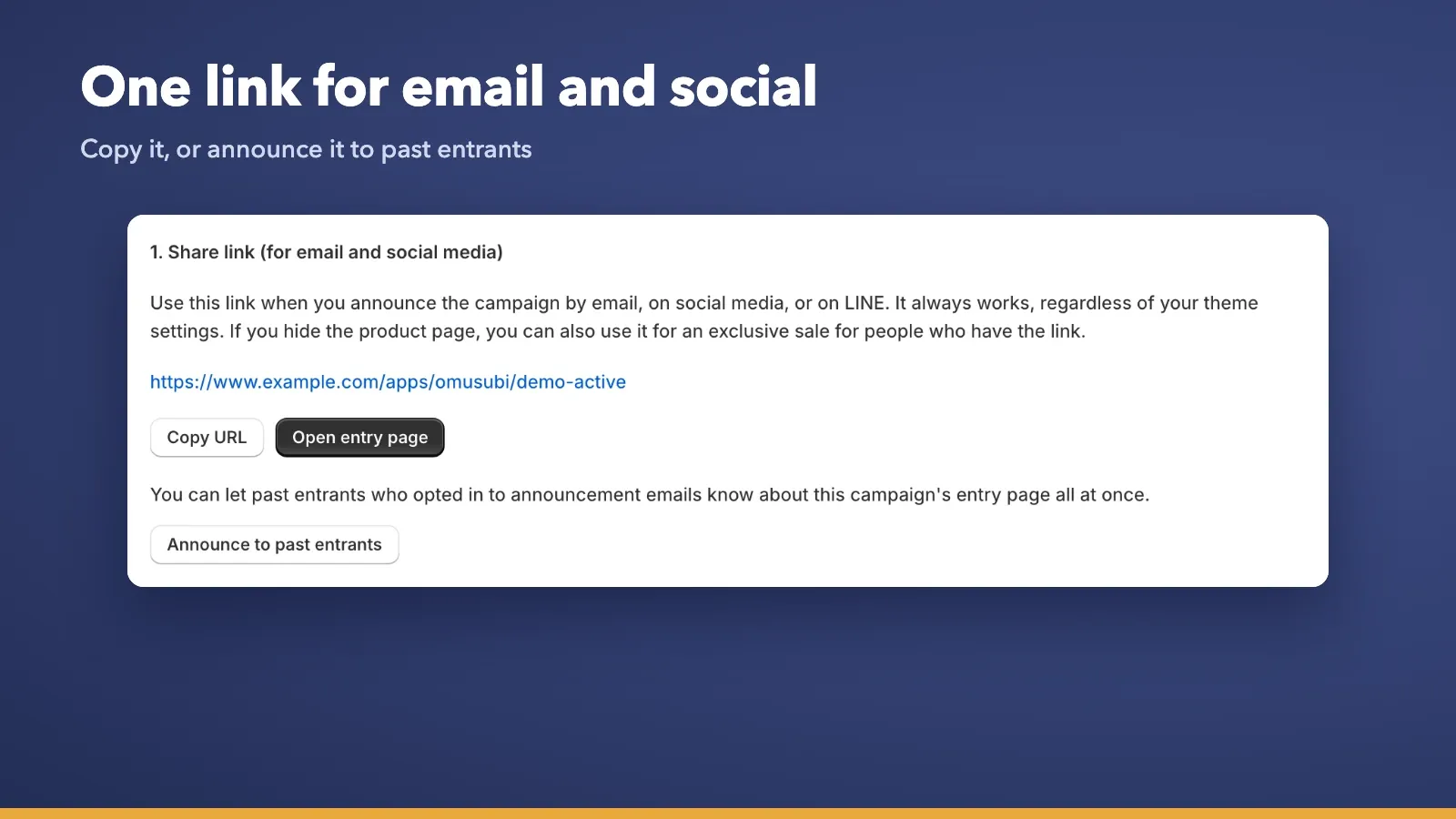
Share an entry page link by email or social media, or add an "Enter the draw" button to the product page.
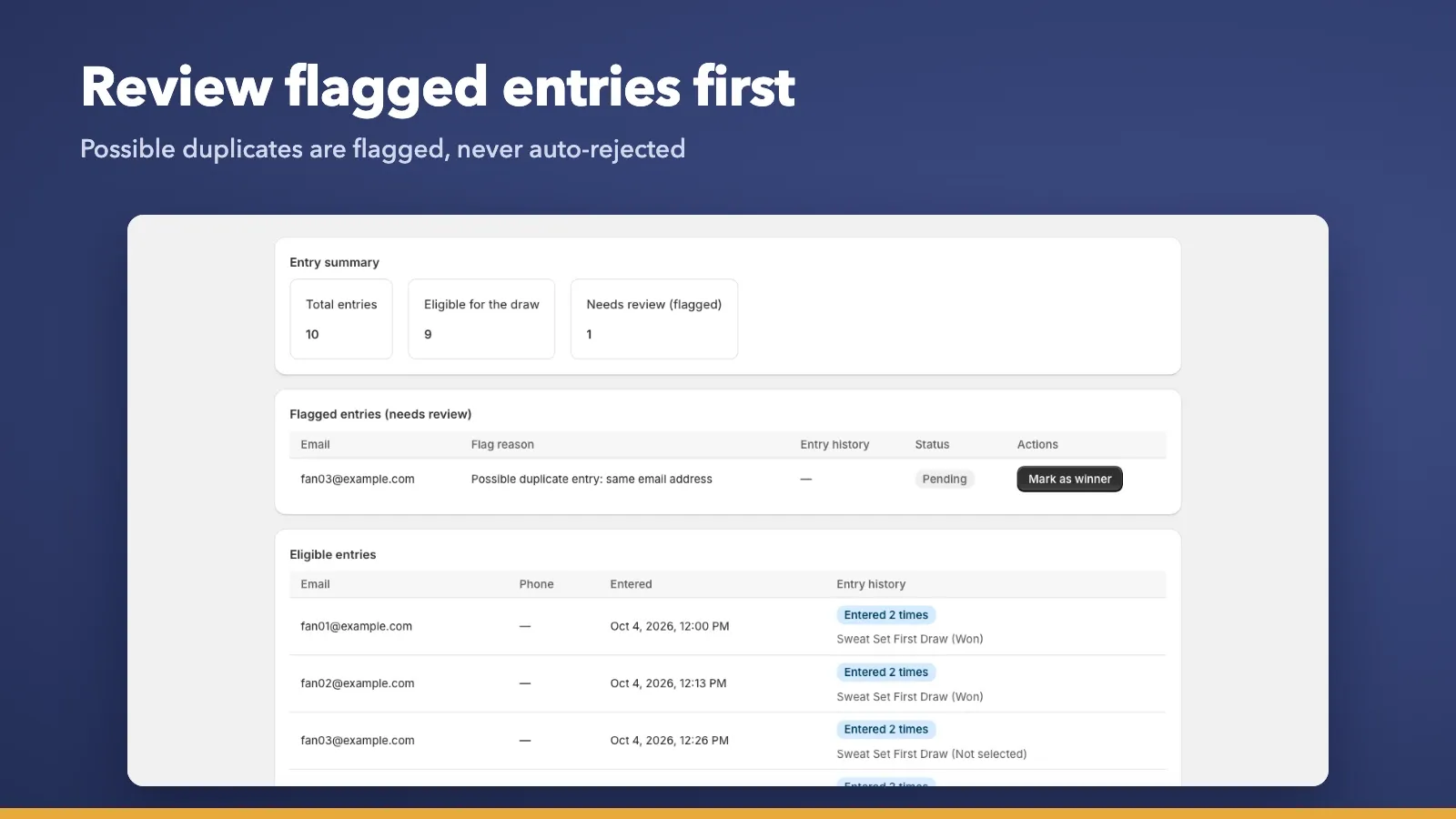
Duplicate entry prevention
Duplicate entries to the same campaign are blocked automatically. If different customers enter with the same email address, the entry is flagged for review rather than rejected, so your store decides.
Announcements for new campaigns
Email customers who opted in to announcements about new campaigns. Every email includes an unsubscribe link.
Entries to purchase, all in your store admin
Set the product, entry period, number of winners and purchase deadline, then publish. Entries open and close automatically.
Automatic win and lose notifications
Win and lose emails are sent automatically. Win emails include the product image and the purchase link.
Encrypted email addresses, your store's time zone
Customer email addresses are stored encrypted. Dates and times follow your store's time zone (Japan time if it can't be determined).
How it works
-
STEP 1
Create a campaign
Set the product, entry period, number of winners and purchase deadline, then publish.
-
STEP 2
Customers enter
Customers enter through the entry page link or the "Enter the draw" button on the product page. Entering requires signing in to the store.
-
STEP 3
Run the draw
Review the entries and run the draw. Flagged entries can be reviewed here too.
-
STEP 4
Only winners purchase
Winners purchase through the dedicated link in their email before the deadline.

Pricing
Free plan
Free
- Up to 2 published campaigns per month (scheduled campaigns count; drafts don't)
- Up to 500 announcement emails per month to past entrants
- Unlimited win and lose notifications and purchase deadline reminders
- No fees based on your sales
Paid plans are in preparation.
FAQ
Q. Can customers enter without signing in?
A. No. Customers need to sign in to your store to enter.
Q. Can one campaign cover multiple sizes or colors?
A. Each campaign covers one variant. Create a separate campaign for each size or color.
Q. Can I use it for in-store sales?
A. No. It supports online sales only.
Q. Is the app available in English?
A. Yes. The admin, entry pages and emails are available in Japanese and English. Customer emails are sent in the language the customer used to enter.
Bring fair lotteries to your next drop
Start with the free plan. See the Shopify App Store listing for details.
View on the Shopify App StoreShopify is a trademark of Shopify Inc.